




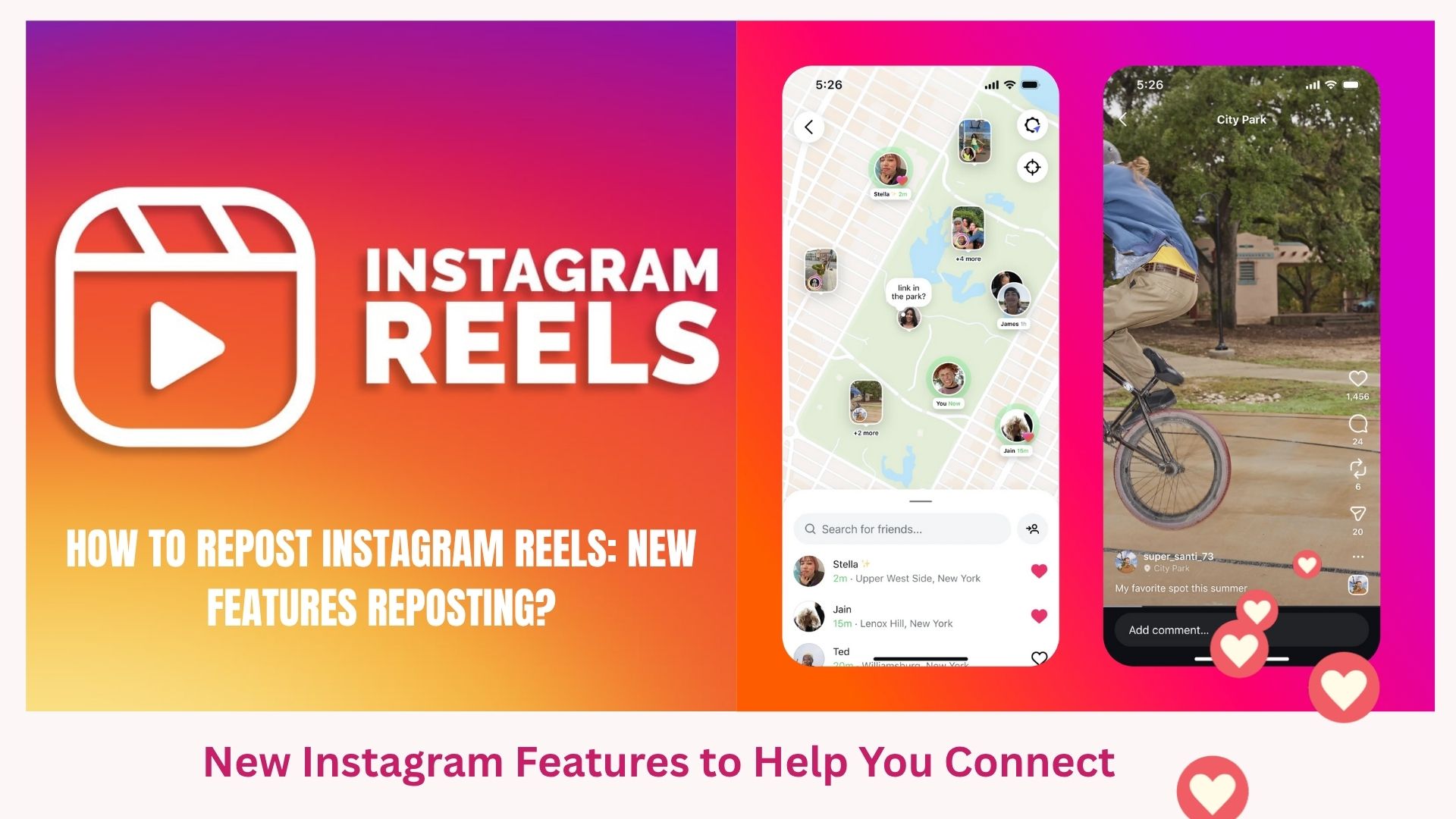
Instagram has finally listened to its audience! The process of reposting Instagram Reels and Stories is more convenient than ever due to the latest update that is hitting public accounts in 2025. Whether you’re simply looking for a way to reshare content for your followers or to keep your feed interactive, the Repost feature is a great option.
In this article, we’ll cover everything you need to know about reposting Instagram Reels, how it works, how to find your reposts, and what’s new with the new update.
- What Is Instagram Reposting?
- New Repost Features in the 2025 Instagram Update
- How to Repost Instagram Reels in 2025?
- Where Can You See Reposted Content?
- Why the Instagram Repost Feature Matters?
- Benefits of Reposting Instagram Reels in 2025
- 1. Boosts Engagement Instantly
- 2. Saves Time on Content Creation
- 3. Helps Support and Collaborate with Other Creators
- 4. Provides Variety in Your Content Strategy
- 5. Broadens Your Reach and Discovery
- 6. Great For Sharing User-Generated Content (UGC)
- 7. No Third-Party Apps Required
- Reposting Instagram Stories: What’s New?
- Tips for Reposting on Instagram
- The Future of Reposting on Instagram
- Final Thoughts: Repost Easily in 2025
What Is Instagram Reposting?
Reposting is sharing another user’s content (properly credited) to your profile or your story. In the past, users could only repost other people’s content by using a third-party app or screen-grabbing the content.
Now, Instagram has enabled reposting directly without hacks, without having to download anything!
READ ALSO: Genie 3 by Google : AI That Builds Video Games in Real Time
New Repost Features in the 2025 Instagram Update

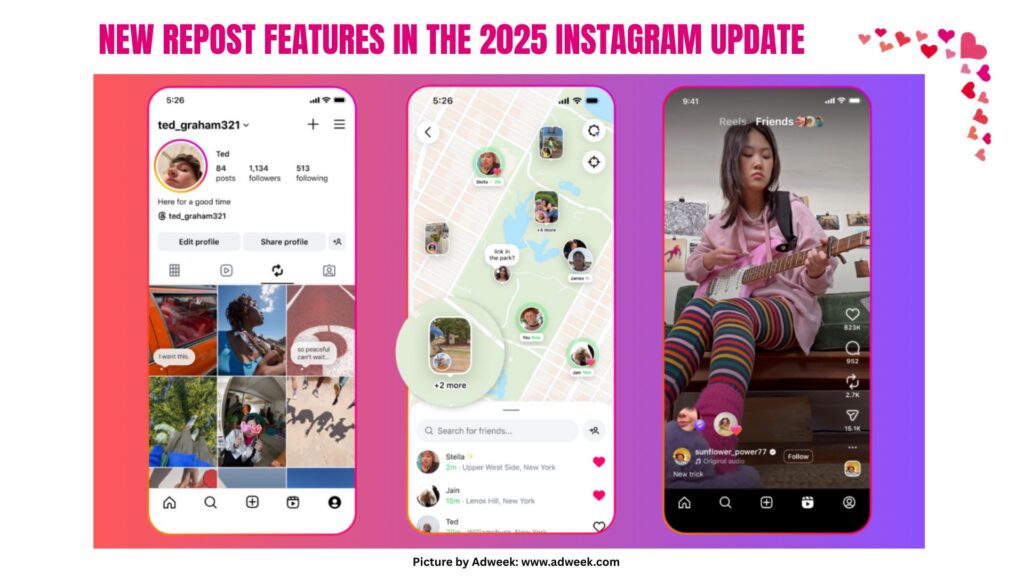
The Instagram 2025 update introduced an official repost button for:
- Reels
- Stories
- Feed posts
Key Features:
- Repost button directly on Reels and posts
- Option to repost to your Story or your main feed
- Credit automatically given to the original creator
- A new “Reposts” tab on your profile
This feature works much like the retweet function on X (formerly Twitter) — seamless, clean, and transparent.
How to Repost Instagram Reels in 2025?
Follow these simple steps to repost a Reel:
- Open the Reel you want to repost.
- Tap the “Share” icon (paper plane).
- Select “Repost to Feed” or “Repost to Story.”
- Add your caption or message if needed.
- Tap “Share” — and you’re done!
Now, your followers can see the original creator’s content with your added context.
Where Can You See Reposted Content?
Instagram now has a dedicated “Reposts” tab on your profile (next to Reels and Tagged). This makes it easier for your followers to:
Engage with content in one place
Browse all the content you’ve reshared
View the original creators
Why the Instagram Repost Feature Matters?
This update is perfect for:
- Creators & influencers to share collaborations
- Brands to highlight user-generated content
- Communities to support other creators
- Casual users to share their favorite posts without clutter
Reposting is now a native Instagram experience — no logins, watermarks, or clunky interfaces.
Benefits of Reposting Instagram Reels in 2025
1. Boosts Engagement Instantly
Reposting Reels on Instagram will help you see engagement on your account. Sharing something that has gained traction elsewhere or that is trending makes it easier for you to engage followers and keep conversations going while providing more active content in your feed.
Tip: Repost Reels that fall into your niche, it will help to make more likes, shares, and comments!
2. Saves Time on Content Creation
Creating fresh Reels every day can be time-consuming. With the Instagram Reposting update, you can now share Reels easily in 2025 that are already valuable — whether from your followers, collaborators, or trending creators.
Tip: It helps contribute to consistency in content, and also allows you time to create in different areas.
3. Helps Support and Collaborate with Other Creators
Reposting is highly beneficial for you, and it also gives you the opportunity to support other creators or influencers working in your industry. When you Repost Instagram Reels, you are assisting others while also finding a way to reach others via their audience.
Tip: It’s an opportunity for networking and community building for both parties.
4. Provides Variety in Your Content Strategy
To be frank, seeing the same content can become mundane. When you are reusing Reels, it will offer a different viewpoint in your Instagram feed, which maintains interest for your audience and shows that you are in the know with trending material.
Tip: Being varied with your content will help you find different audiences, whether it’s a comedy audience, an informative reel audience, or so on.
5. Broadens Your Reach and Discovery
When you repost Reels that are trending, you are entering into a larger conversation and being seen by a broader audience. This is especially impactful when you are reposting content that is currently going viral, or if the content is attached to a trending hashtag or sound.
Tip: The 2025 Instagram update guarantees that any reposted Reels will be in the feeds of your followers with the proper credit, allowing users to remain discoverable and relevant.
READ ALSO: Perplexity AI or ChatGPT: Which AI Assistant is Best to Pick?
6. Great For Sharing User-Generated Content (UGC)
Brands and influencers can now easily share UGC Reels, which are videos made by customers or fans of the brand. For example, if your customer gave a solid review of your product, did an unboxing, or mentioned your product in another post, when you re-share it, it gives credibility to your brand and builds trust and familiarity with the audience.
Tip: You’re facilitating a sense of community and engagement, which is important for growth over the long haul.
7. No Third-Party Apps Required
Thanks to the addition of Instagram’s native reposting feature in 2025, you can now easily reshare Reels with only a couple of taps, directly inside of Instagram. This means better assurance of privacy, proper credit to the original creator, and an overall better experience for the user.
Tip: No more watermarks or goofy downloads!
Reposting Instagram Stories: What’s New?
Story reposting has also improved:
Add music, stickers, or text like usual!
If someone tags you in a Story, you can instantly reshare it.
Tip: You can now repost public Stories from any account, as long as the privacy settings allow it.
Tips for Reposting on Instagram
Always give credit (Instagram does this automatically now).
Use reposts to build community and grow your reach.
Don’t overdo it — balance original and reposted content.
Engage with the original post through likes and comments.
The Future of Reposting on Instagram
Instagram is likely to keep improving this feature with options like:
- Scheduled reposts
- Collaborative reposting
- Analytics for shared content
With Meta’s push toward seamless content discovery and creator collaboration, the repost tool is just the beginning.
READ ALSO: Top 10 iOS 18.5 Features You Need to Try Right Now
Final Thoughts: Repost Easily in 2025
Instagram’s new reposting tools finally give users a simple, clean, and effective way to share content. From Reels to Stories and beyond, you can now repost in seconds — no apps, no hassle.
So, try it out! Share a Reel you love, support a creator, and explore your new Reposts tab. It’s time to make the most of this powerful update.