




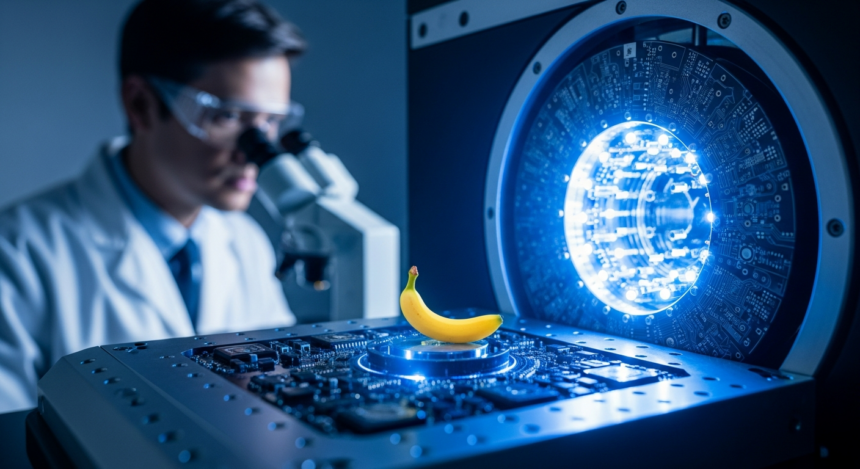
Google has officially rolled out its newest artificial intelligence technology, nicknamed “Nano Banana.” This tool, part of the Gemini Imaging family, allows anyone to create and edit high-quality photos just by talking to their computer or phone.
Unlike older AI tools that often made mistakes with hands or text, Nano Banana uses “thinking” technology to plan out a picture before it even starts drawing. This has made it a favorite for both professional designers and regular users who want to fix their selfies or create art from scratch.
Key Takeaways
- Two Versions: There is a “fast” version for quick edits and a “Pro” version for high-quality 4K images.
- Smart Editing: Users can change specific parts of a photo—like a person’s hair or the weather—without ruining the rest of the picture.
- Safe Sharing: All images include an invisible digital watermark called SynthID so people can tell if a photo was made by AI.
- Everywhere Now: The technology is moving beyond phones and is now appearing on Google TVs and in office apps like Google Slides.
From a Secret Test to a Viral Hit


The name “Nano Banana” started as a joke. In mid-2025, Google began testing a mysterious new image tool on a public website called LMArena. Because the tool was so good at making images of bananas and microscopic things, people on the internet started calling it “Nano Banana.”
Google eventually embraced the name, and the tech is now officially known to developers as Gemini 2.5 Flash Image (the standard version) and Gemini 3 Pro Image (the Pro version).
What Makes It Different?
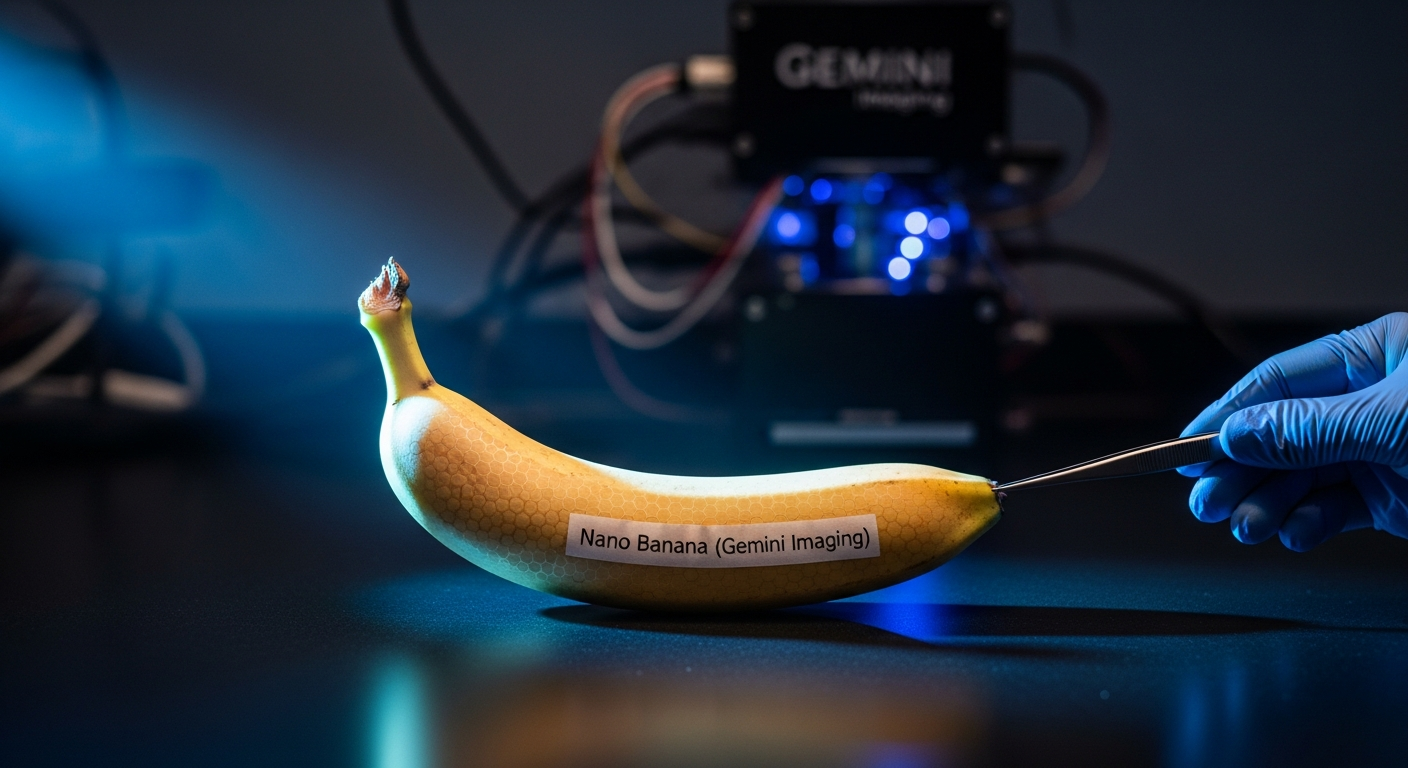
Most AI image generators work like a quick sketch—they follow a prompt and hope for the best. Nano Banana is different because it uses “reasoning-guided synthesis.”
This means the AI “thinks” about the rules of the real world before it renders a pixel. For example, if you ask it to draw a glass of water on a table, the AI calculates how gravity and light should work. This prevents the “weird” look that many AI images used to have. It also allows for Character Consistency, meaning you can put the same person in ten different photos and they will always look the same.
Nano Banana vs. Nano Banana Pro
Google offers two main levels of this technology:
- Nano Banana (Standard): This is built for speed. It is great for social media posts, quick photo touch-ups, and fun stickers. It works in about one second.
- Nano Banana Pro: This is a professional-grade tool. It can create 4K resolution images and is incredibly good at writing text inside pictures. If you need a poster with specific words that are spelled correctly, this is the version to use.
Background and Context
For years, the tech industry struggled with “the uncanny valley”—AI images that looked almost real but felt slightly off. Google’s goal with the Gemini Imaging project was to create a tool that understood human instructions perfectly.
By late 2025, Nano Banana became the top-rated imaging AI in the world. Its success led Google to integrate it into Google TV in early 2026. Now, users with certain TCL TV models can use their voice to create custom screensavers or 8-second AI videos right from their couch.
What Experts Are Saying
Technology analysts believe this is a “ChatGPT moment” for pictures.
“We are moving away from just generating random art to having precise control,” says a report from IntuitionLabs. “Nano Banana Pro allows scientists to create accurate diagrams of cells and allows marketers to create entire ad campaigns in minutes while keeping their brand style consistent.”
However, some experts warn about the risks of deepfakes. To fight this, Google has built SynthID directly into the model. This puts a hidden code into every pixel that only other AI programs can see, making it easier to verify if an image is real or generated.
How to Try It
If you have a Google account, you can likely try Nano Banana right now. It is available in the Gemini app on Android and iPhone. Look for the banana emoji or the “Create Image” tool in the menu. For professional use, it is also available in Google Workspace apps to help people make better presentations and documents.