

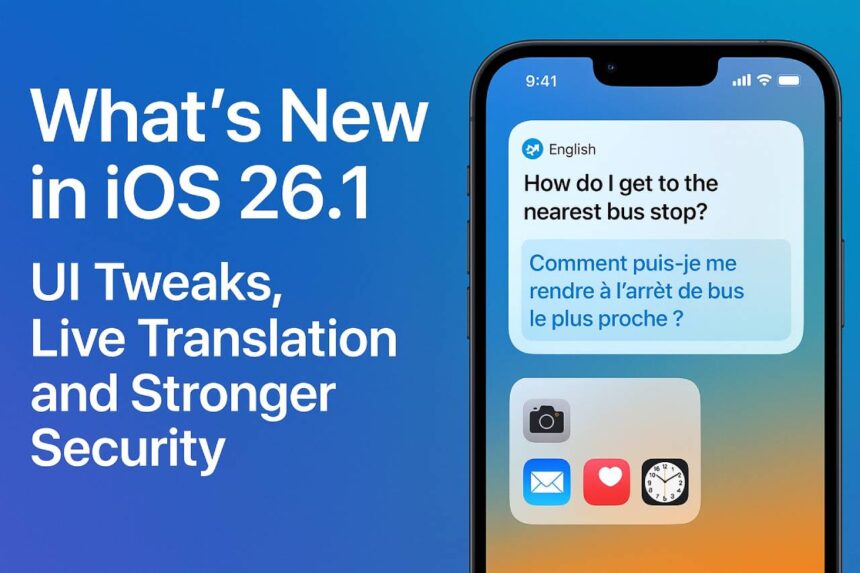
The iOS 26.1 update released by Apple appears to be more than just a bug-fix update this week… it has significant enhancements to the UI, meaningful upgrades to language with Apple Intelligence, and fixes to major security issues. Whether you’re a power user or just want a smoother, personalized phone experience, here’s what you can expect.
1. UI Tweaks: Fine-tuning- The Liquid Glass Design
The most anticipated addition to the entire iOS 26.1 operating system was the Liquid Glass design — a stunning, translucent UI appearance that looks good on Apple hardware. But in iOS 26.1, Apple is giving users more control over how “glassy” things actually look.
There’s now a toggle in Settings > Display & Brightness > Liquid Glass that lets you choose between “Clear” (full transparency) and “Tinted” (increased opacity). The tinted mode improves contrast, making text and UI elements more legible.
In addition to that, some native apps are getting visual tweaks: for example, the Phone app’s keypad now appears in the Liquid Glass style, giving a cohesive feel that matches the broader design refresh.
There are also subtle refinements in apps like Photos, where the video scrub bar and navigation elements have been polished for better usability.
2. Better Live Translation with More Languages
iOS 26.1 expands the language support for Apple Intelligence, adding Danish, Dutch, Norwegian, Portuguese (Portugal), Swedish, Turkish, Traditional Chinese, and Vietnamese.
AirPods Live Translation gets a boost too — now, with supported AirPods models, you can use live translation in Japanese, Korean, Italian, and both types of Chinese (simplified & traditional).
The revisions streamline real-time cross-language chats even further—regardless if you’re on a messaging app, on FaceTime, or on a phone call.
3. More Secure: Background Patching and Lock-Screen Controls
With iOS 17.2, Apple has added a Background Security Improvements setting, located under Privacy & Security, that allows your iPhone to download and install security patches in the background, rather than waiting for a full update to iOS.
You can also disable the swipe to open camera button on the Lock Screen for added privacy and security from your camera opening unintentionally or without permission.
These options are simply a reflection of Apple’s movement towards more fine-grained security and more ways to protect you.
4. More Useful Outcomes
In the Fitness app, users can now opt to create custom workouts, which is good news for fitness crowds.
In Apple Music, a new gesture lets you swipe on the song title area to move to the next or previous track — a small but handy UX improvement.
Apple’s Developer APIs are also updated, giving developers access to Liquid Glass materials so they can build apps that match the translucency and visual feel of the system UI.
Why iOS 26.1 Matters?
For users who found the original Liquid Glass design too transparent or hard to read, the transparency toggle is a welcome and practical fix.
With Live Translation, Apple is making its intelligence features more global. The addition of more languages means more seamless communication, in real-time, for a broader audience – particularly, when we consider we live in a multilingual world.